I used code-first approach to create component. Following are the steps:
Scaffold component
jss scaffold <componentName>

with this, 2 files will be created:
- sitecore\definitions\components\HeroBanner.sitecore.ts – understand it as model
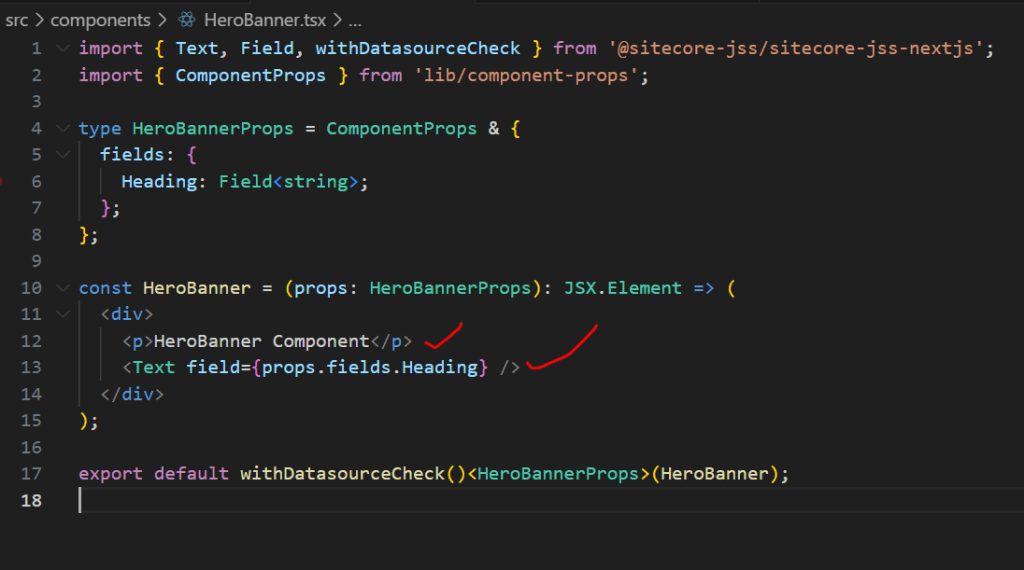
- src\components\HeroBanner.tsx – understand it as view
HeroBanner.tsx has default code (refer below) to show. props.fields.heading corresponds to heading field on data source item
Deploy HeroBanner to Sitecore
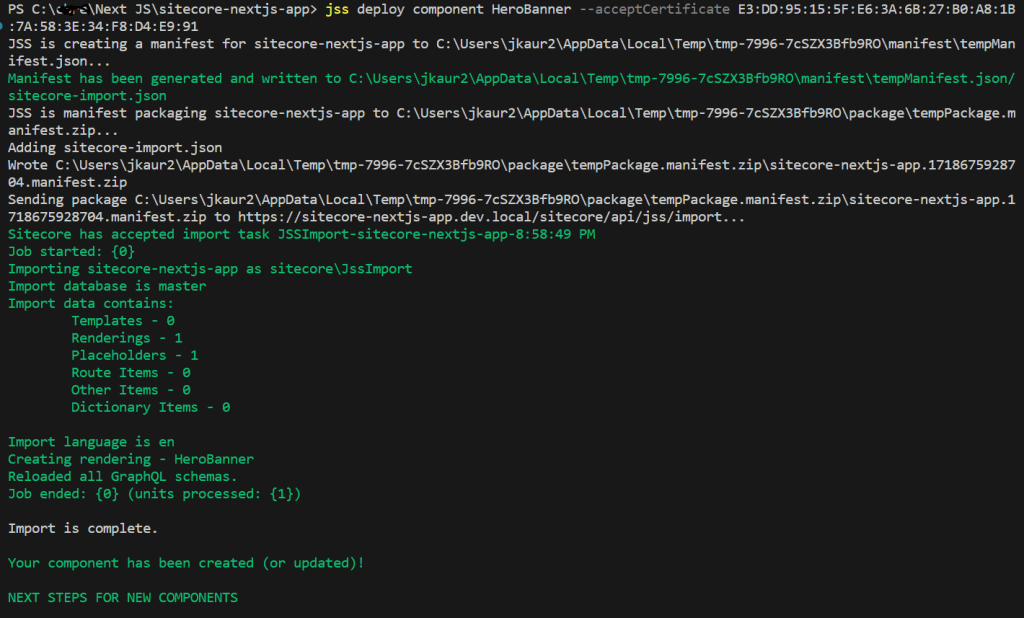
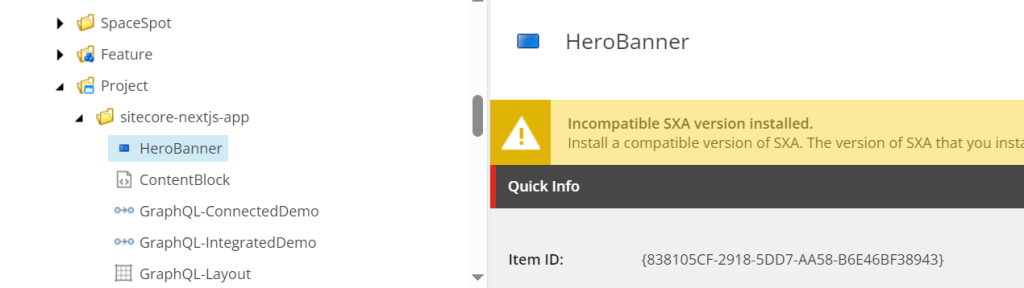
JSS rendering is created.
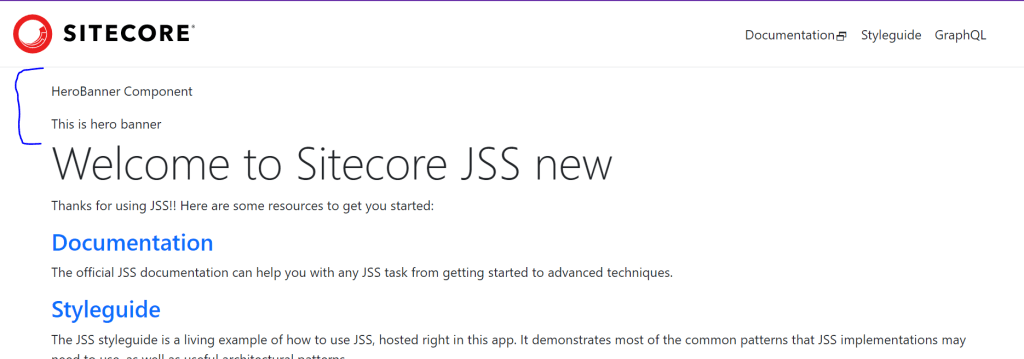
Add this rendering to page. I added on homepage with placeholder id ‘/jss-main’ and link a data source item with heading field in it. Field values are case sensitive.
 Tech with Jagmeet
Leave a comment