Let’s start
Create first project in react by running following:
npx create-react-app reactpractice-jk
You will need Nodejs to execute this.
This will create react app with javascript.
Project name should not have capital letters
It provides some suggestions at the end of installation:
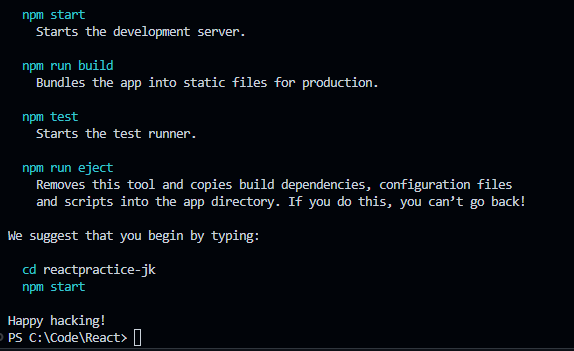
First, go into the project folder and then run
npm start
You will be able to see your first react app in localhost 😀
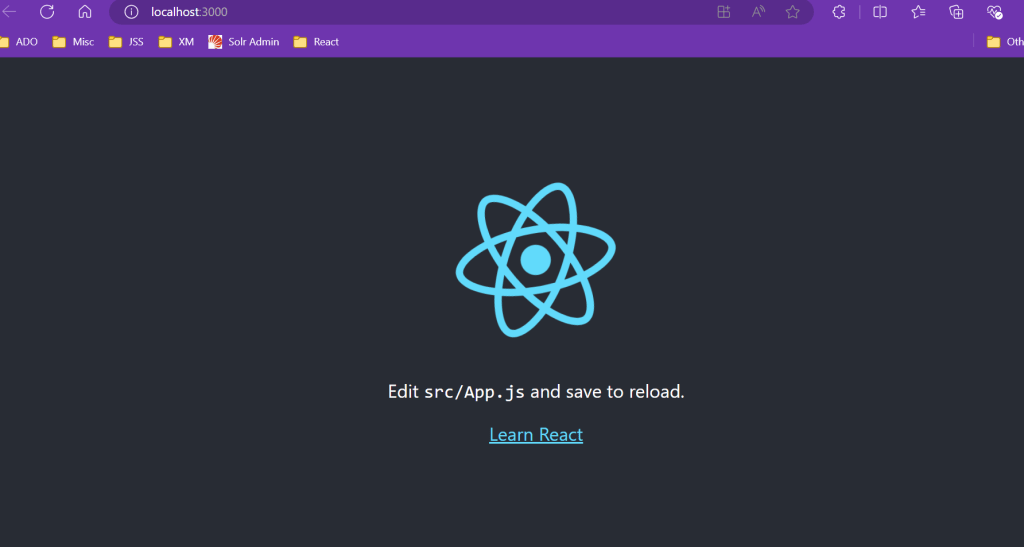
Now, let’s say you want typescript instead of Javascript in your app. Just run following in terminal:
npx create-react-app reacttypractice-jk --template typescript
First, go into the project folder and then run
npm start
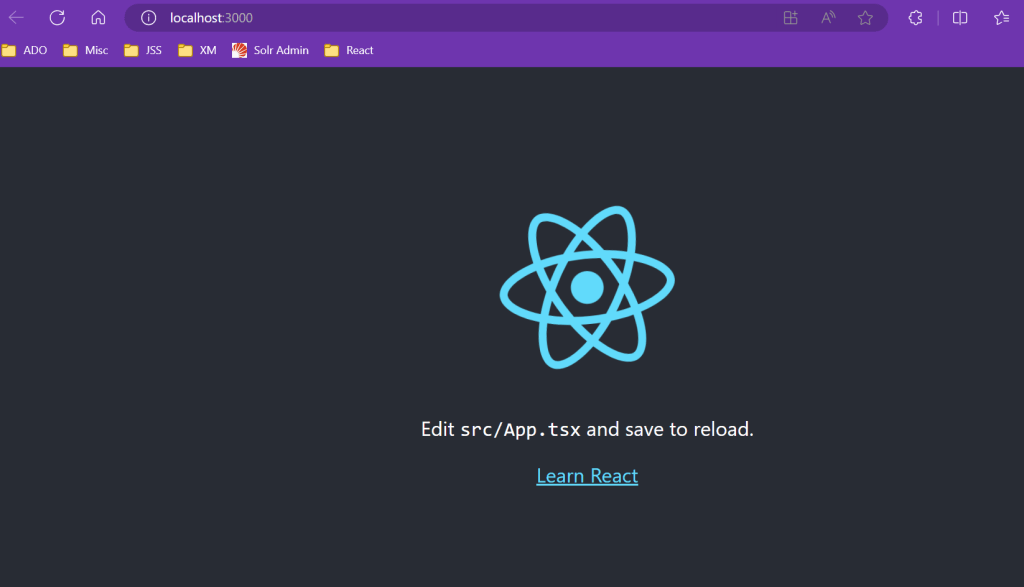
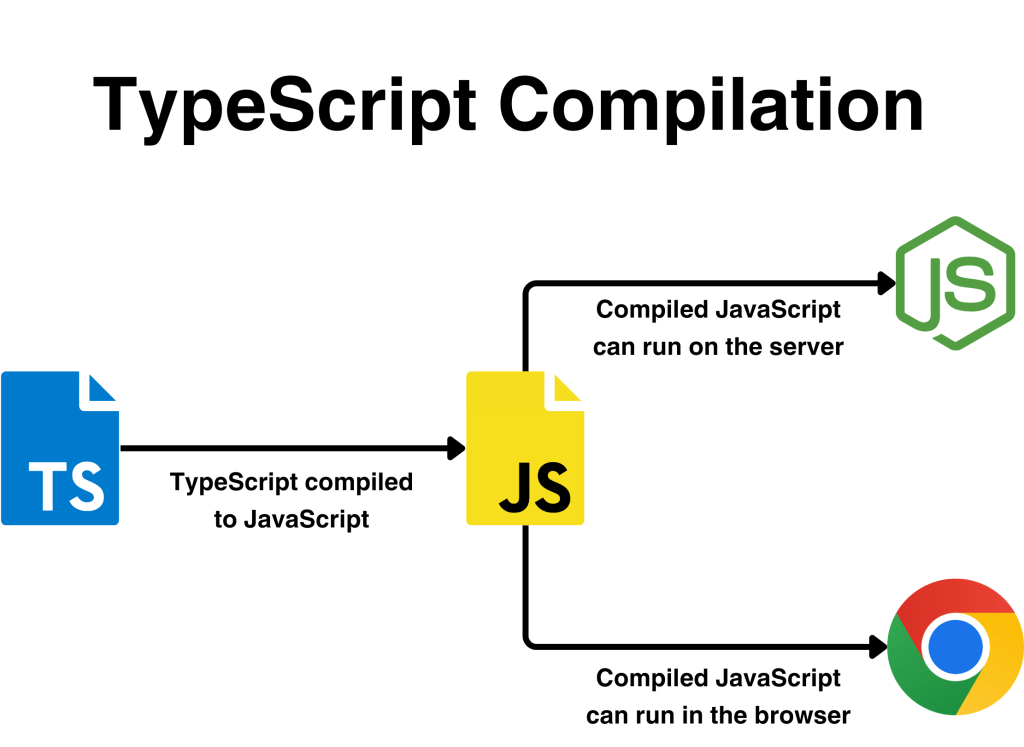
Typescript is a strongly typed programming language and is the superset of javascript. When we compile typescript, it gets converted to javascript for browser to understand. It shows errors beforehand in development.
There is another most popular way to create project these days i.e. Vite. It provides us more choices and interactive in a single command.
Check this to know more.
Happy learning React! Keep coding and enjoying the journey.
 Tech with Jagmeet
Leave a comment