Vercel
Create a project, import git repository
Set the root directory to your Nextjs app, in starter kit its src/sxastarter
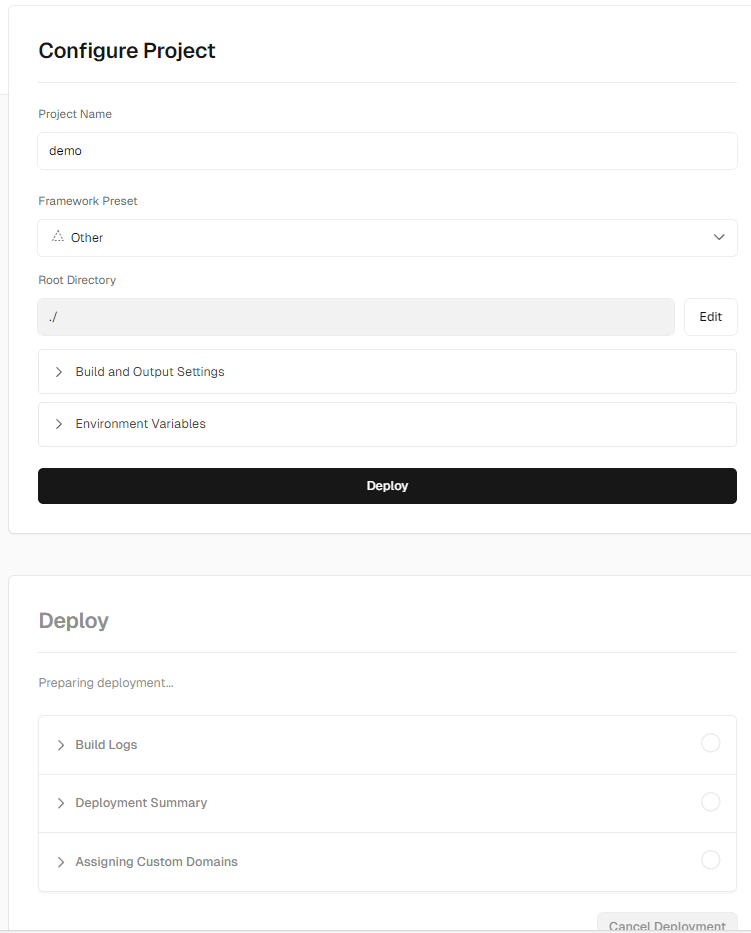
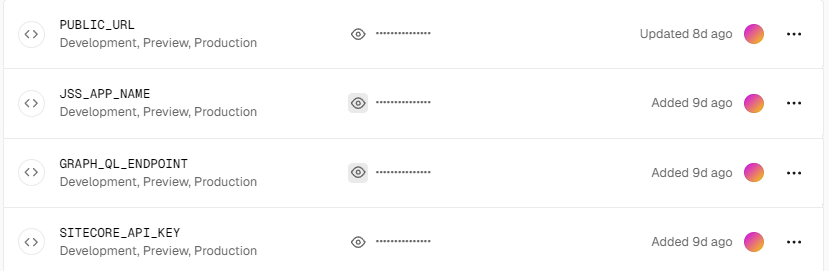
Set the environment variables, following are for connecting it to preview endpoint.
- GRAPH_QL_ENDPOINT : https://CM-Host/sitecore/api/graph/edge
- SITECORE_API_KEY :
- PUBLIC_URL (You will get this from Vercel after deployment.)
- JSS_APP_NAME
If you want to connect it to Edge, then use following:
- GRAPH_QL_ENDPOINT : https://edge.sitecorecloud.io/api/graphql/v1
- SITECORE_API_KEY
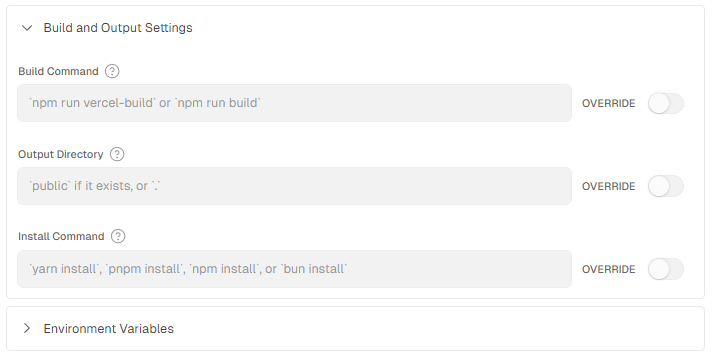
You can keep build options as it is and run the build.
This will take couple of minutes to deploy. Build time vary based on the solution or site you are working with. First the solution will be deployed to preview mode and then you can promote to production.
Netlify
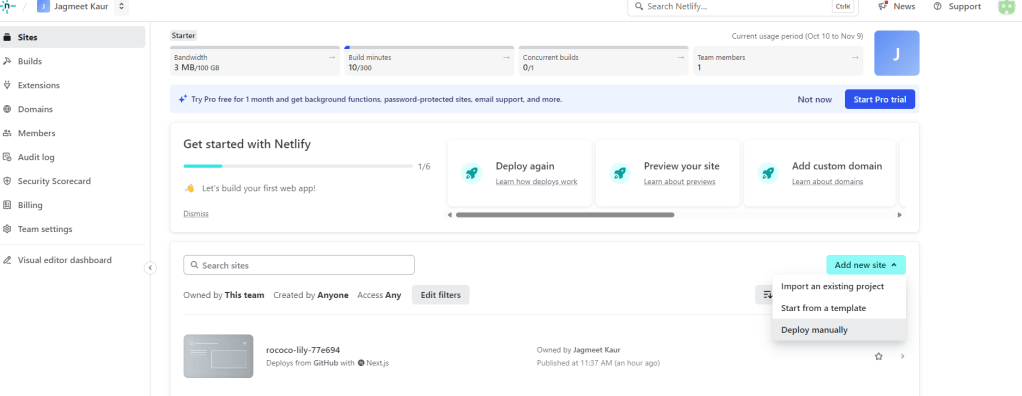
Here you will get options like import, start from template, deploy manually. Say, you are importing it from GitHub.
Set up build settings
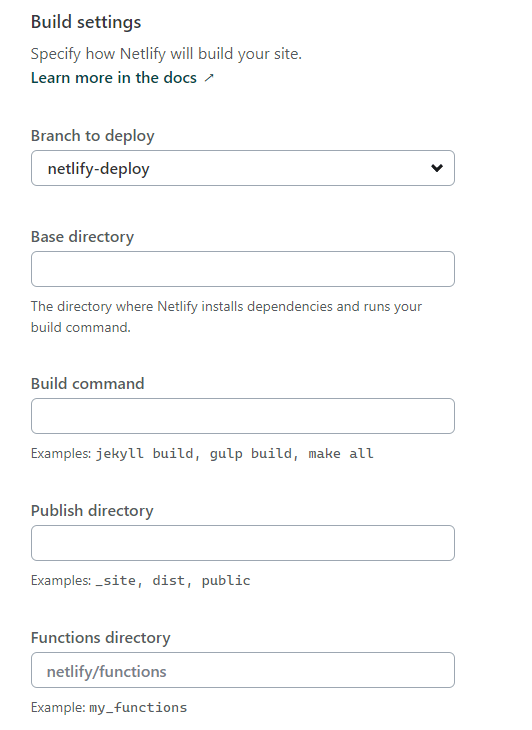
Choose the branch to deploy from which you want to deploy, it need not to be default branch in repository.
Set Base directory which is not nothing but your Nextjs app path. In XMCloud starter kit, its src/sxastarter.
Set Build command for your nextjs app, npm run build (I ran into following errors because I haven’t set this)
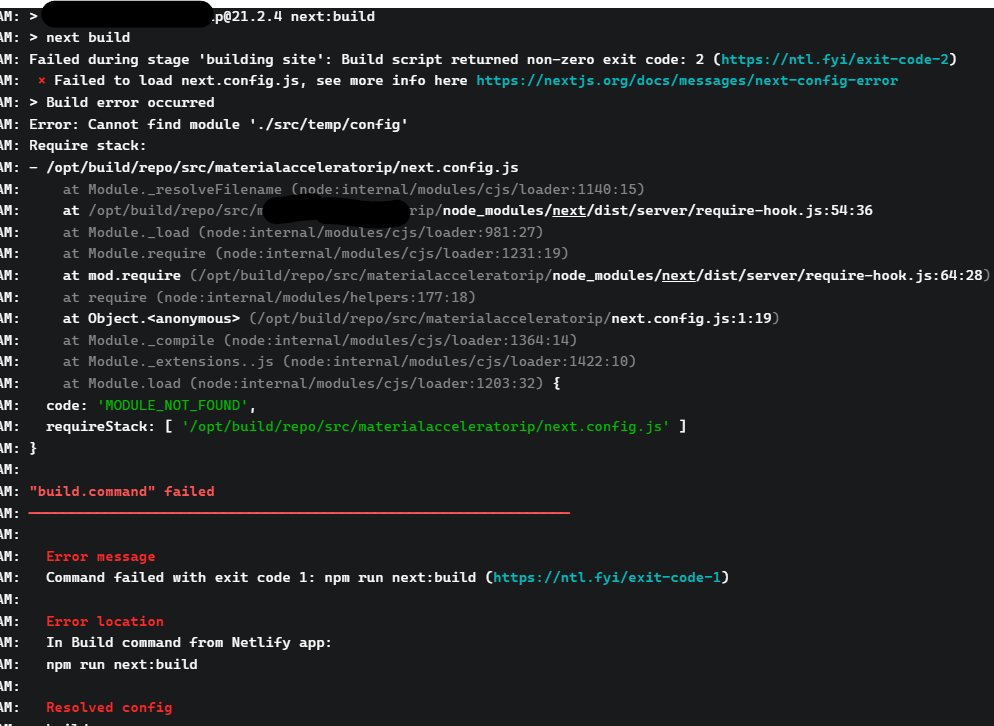
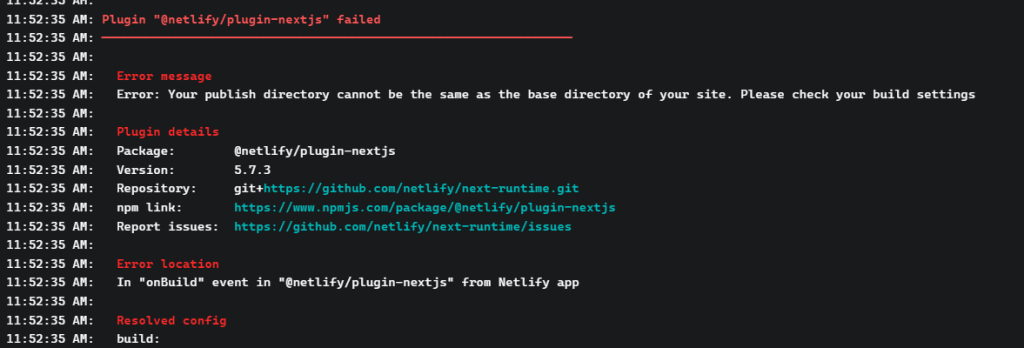
Set Publish Directory as /.next
Next step is to add environment variables like we added in Vercel (scroll up to check)
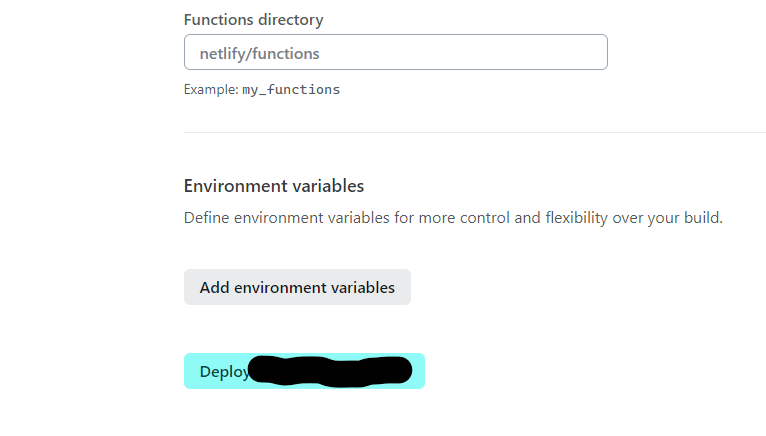
And deploy your solution!!
Hope this helps, good luck!
 Tech with Jagmeet
Leave a comment