If you have removed/disabled Sitecore default base themes from website, to improve performance.
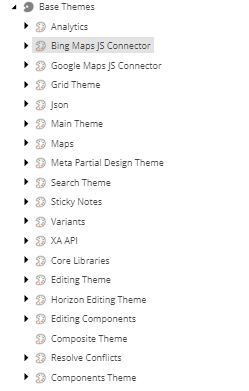
But now requirement came to use the map on the pages, you can create custom scriban and use Google Map Api. However, giving key in the scriban is a security violation. So, you can use like following:
Scriban code:
<pre class="wp-block-syntaxhighlighter-code"># REST OF THE CODE

{{ mapitem= (sc_query i_site 'query:./Settings/Maps Provider') | array.first }}
{{key=mapitem.Key}}

<a href="https://maps.googleapis.com/maps/api/js?key=key&callback=initMap&v=weekly">https://maps.googleapis.com/maps/api/js?key=key&callback=initMap&v=weekly</a></pre>
If Map provider has hyphen, then use
{{ mapitem= (sc_query i_site 'query:./Settings/#Maps-Provider#') | array.first }}This will search for map provider item under settings of current site.
Hope this helps, Good luck!


Leave a Reply